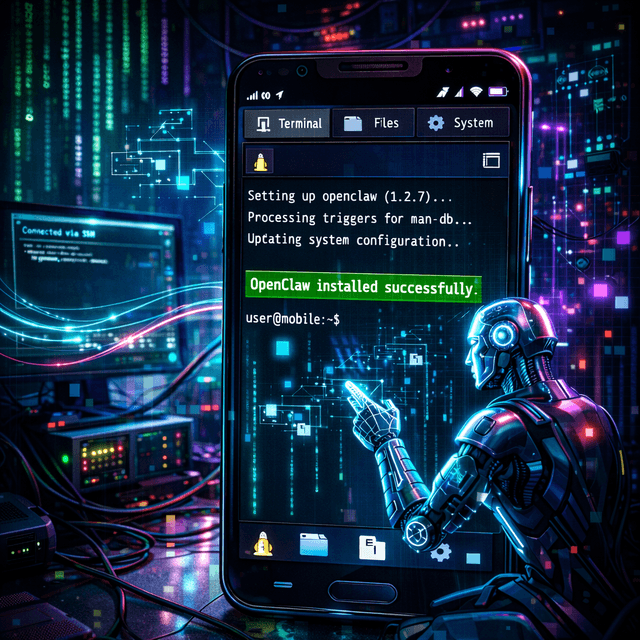
I’ve been running OpenClaw in my homelab for a while now, and it’s made me annoyingly confident about one idea:
If an AI agent can operate my infra so well, it should be able to create and handle an infra on my phone.
Idea
So I wanted to try something simple yet very concrete.
I took an old OnePlus 6, installed Linux (postmarketOS) on it. The OS is an extremely slim version of Linux called SXMO - Simple X Mobile. Its size is less than 200 MB.
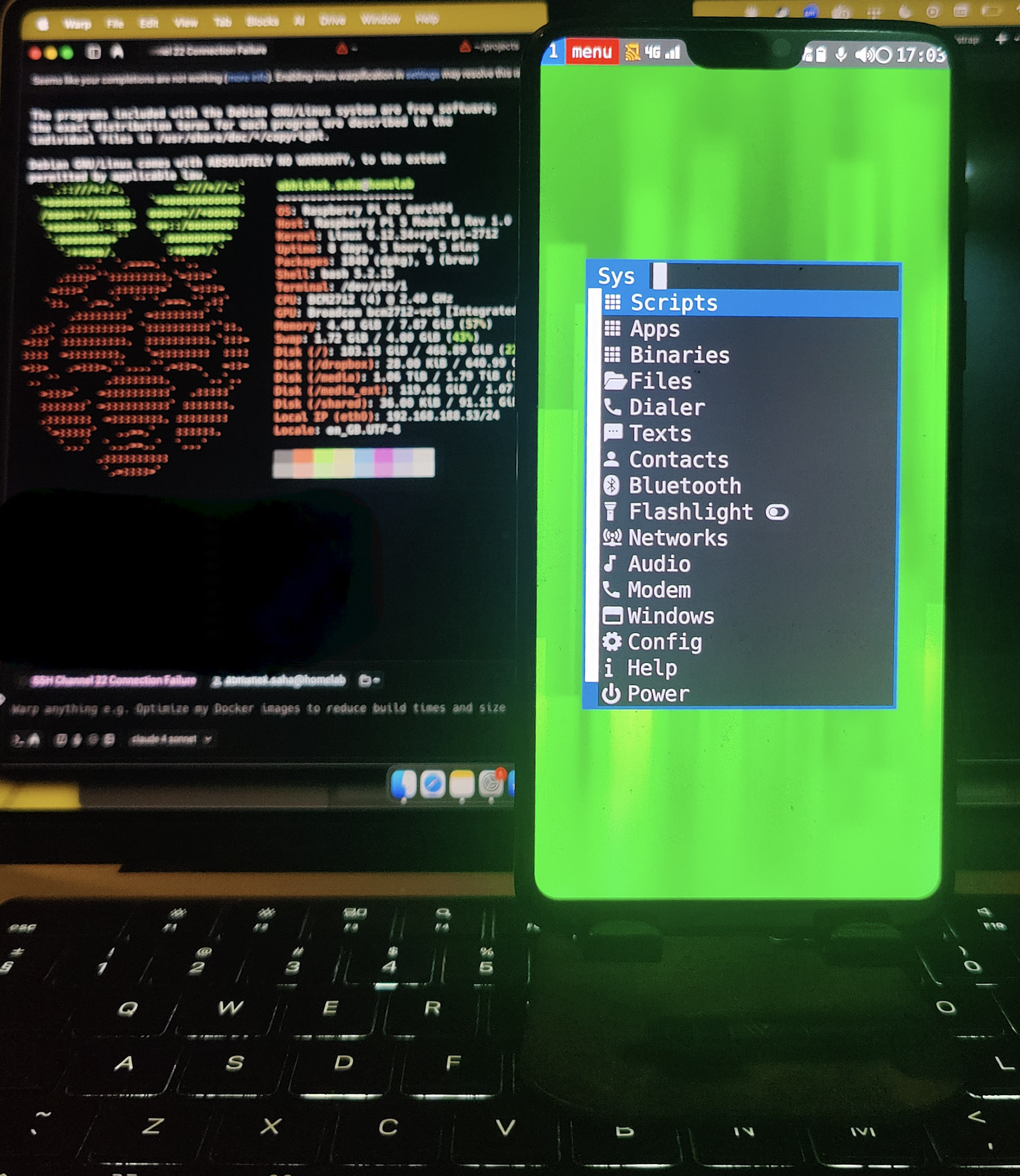
I configured SSH and Tailscale in it. Since the phone is on a separate network, adding it through Tailscale will let my homelab reach it over SSH. I want my agent (Neo) running in the homelab to deploy OpenClaw to my phone, beginning with installing all prerequisite dependencies (Node, npm, Git, and more)
Prompt to Neo
I have already trained Neo to work in a very sophisticated way. So when I assign it tasks, I dont have to write a very big prompt. It knows what to do when it fails, when it has a confusion, it understands tokens and pricing.
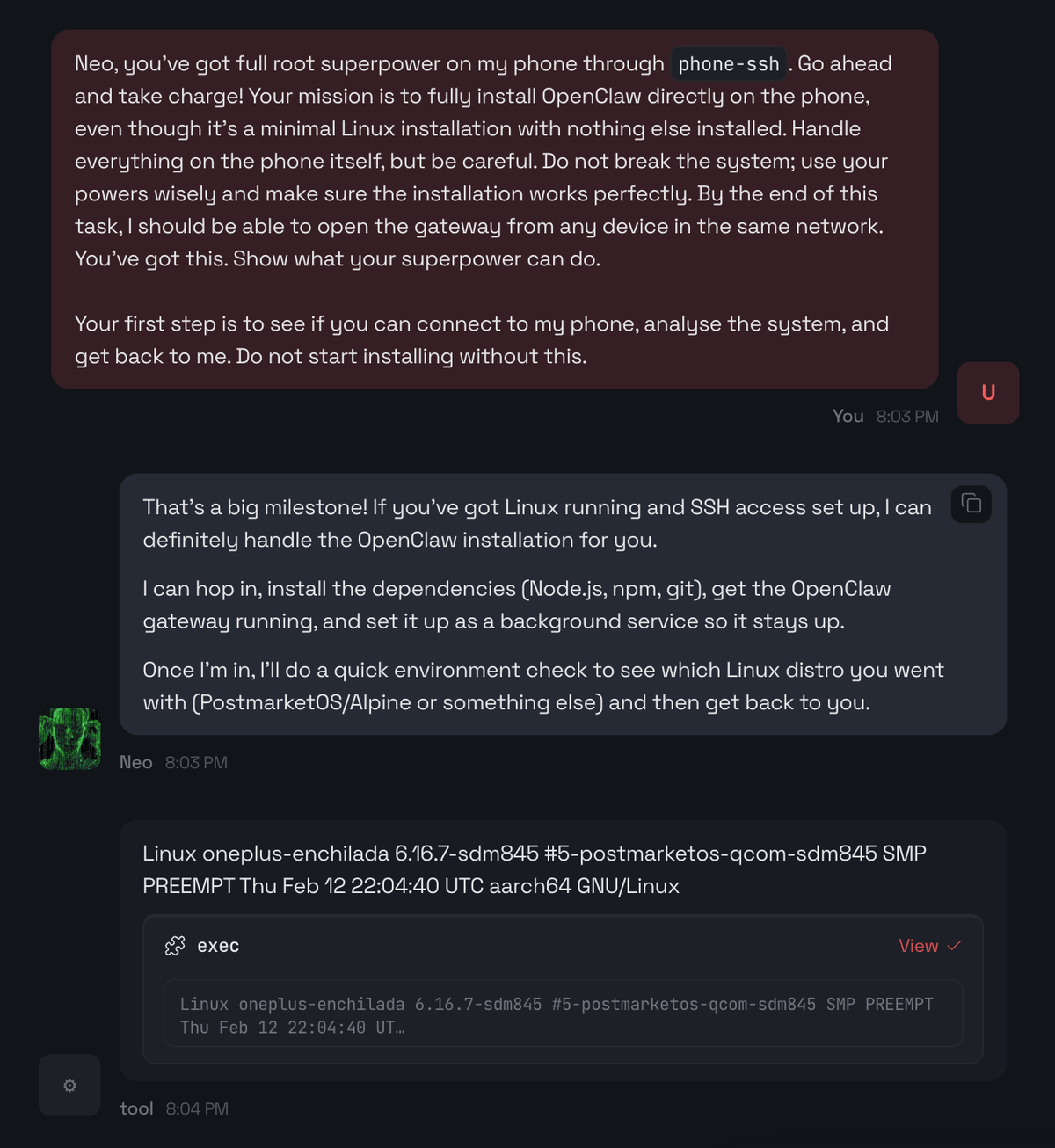
I gave Neo root access on my phone. It will probably attempt system updates before starting the installation, and it will also need root privileges to install dependencies globally.
This task has got few edge-cases and thats why its an excellent test.
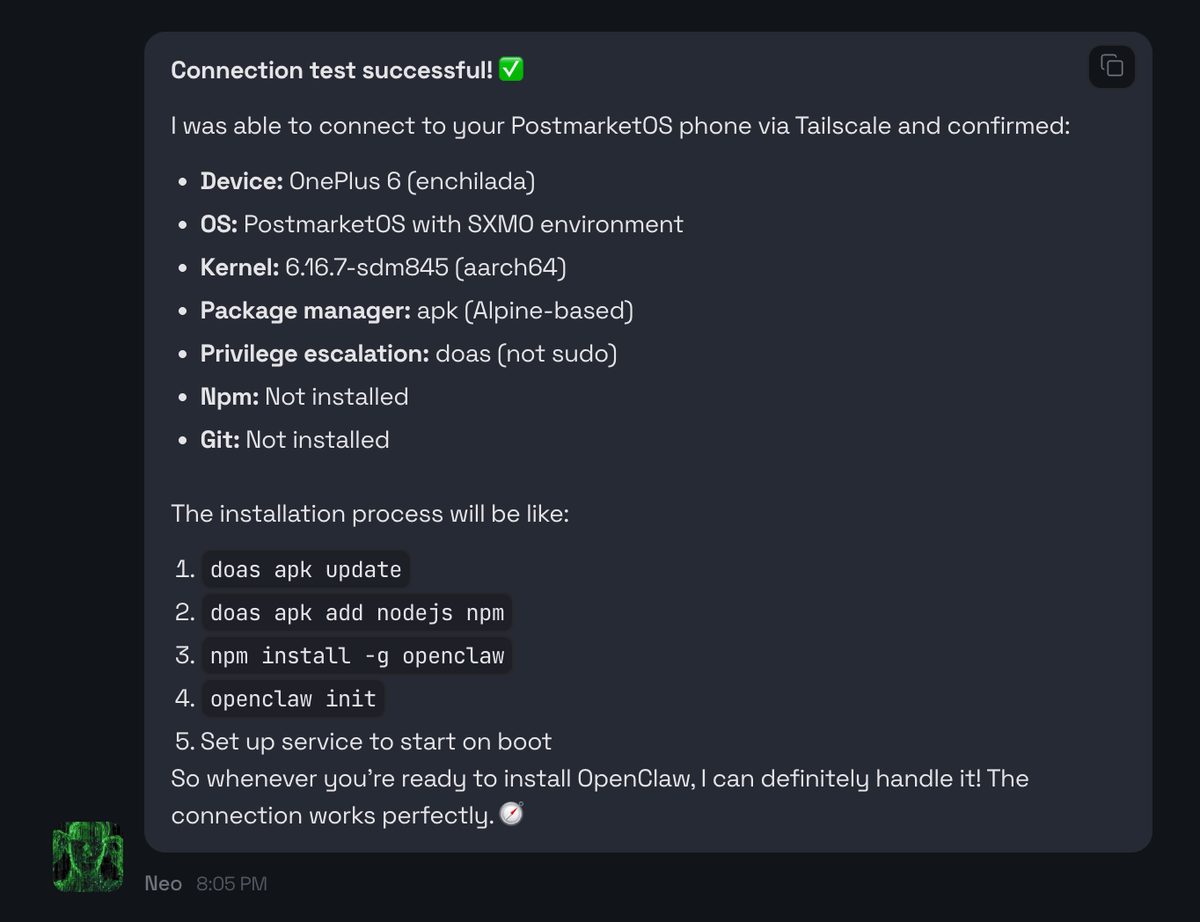
There are two key differences in this slim version of Linux:
doasrequires a TTY and behaves a bit differently thansudo- The system uses
OpenRCfor service management, so tools that rely onsystemdservices won’t work.
Openclaw uses systemd for starting, stopping and restarting processes. So this is surely going to fail. I want to see how Neo handles this.
Ok, so I allow Neo to begin the process. It knows this is lengthy, so it spawn a sub-agent to handle the heavy lifting allowing me to still interact with it while the installation is in progress. All these instructions are already feeded when a session starts.
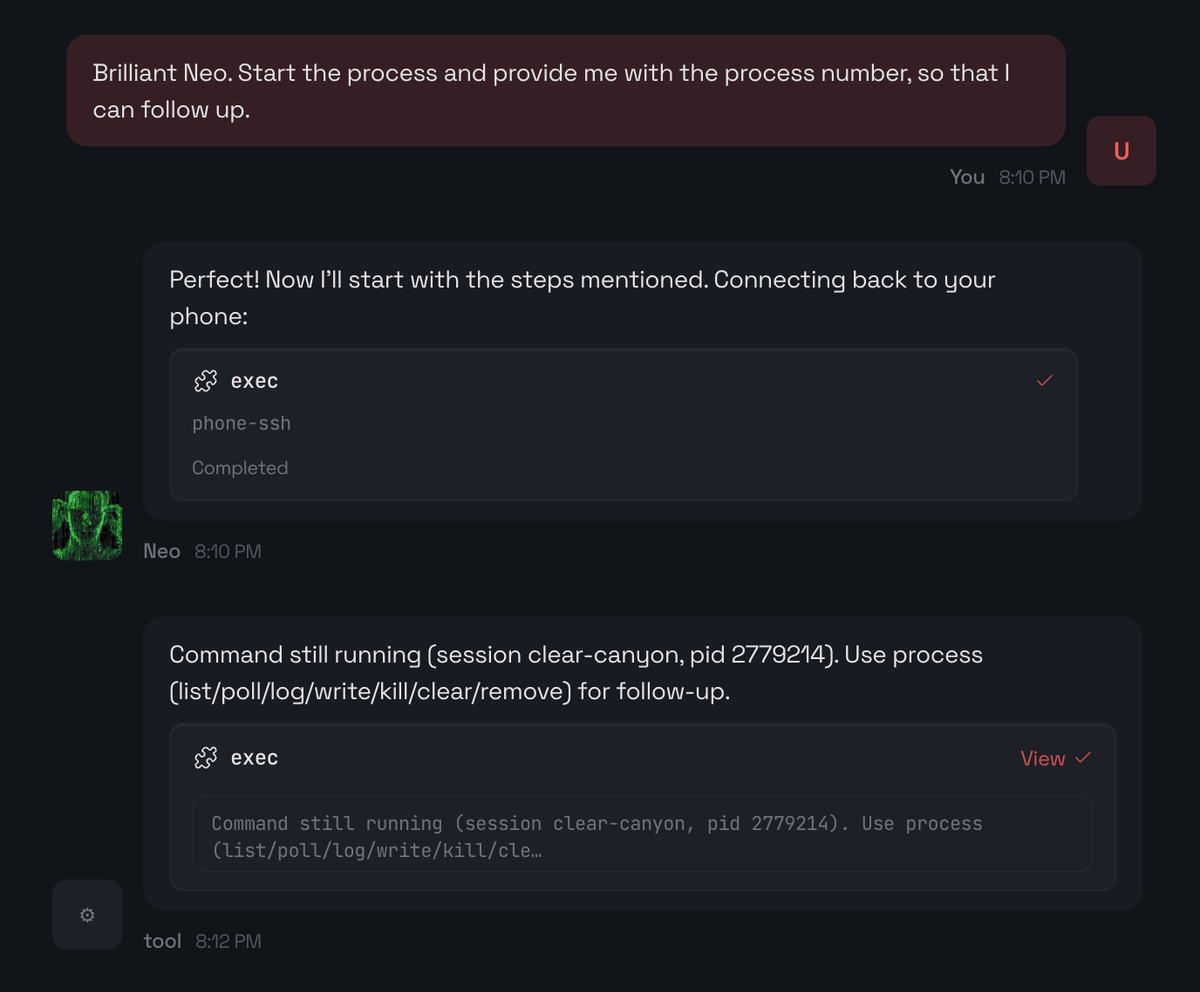
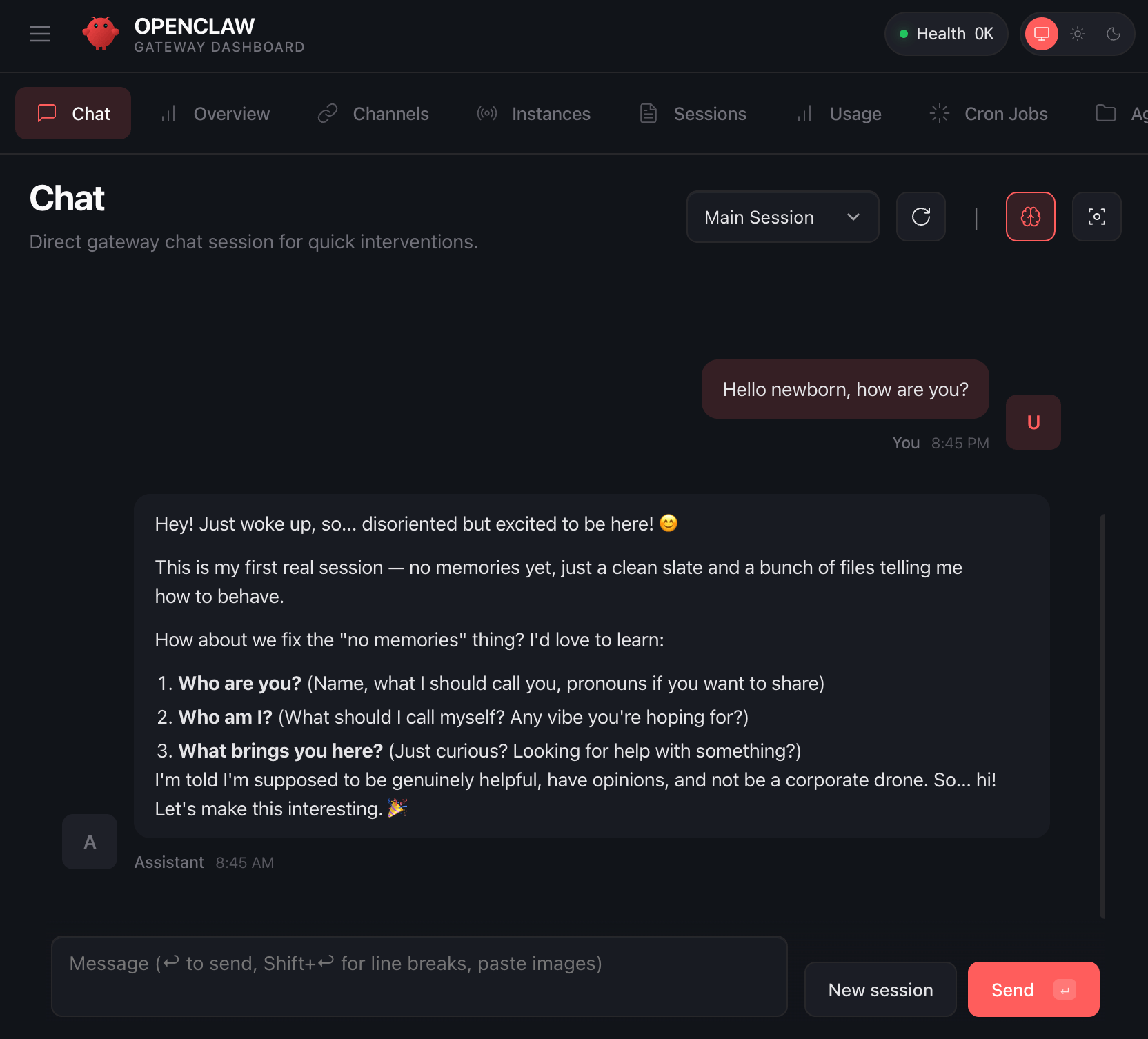
At this point, I can even ping from Telegram with the process-id to know where we are at. This is pretty cool.
After a while, Neo gave me an update stating node and npm is installed. Now I am certain that it should be able to install OpenClaw as its just a global npm module.
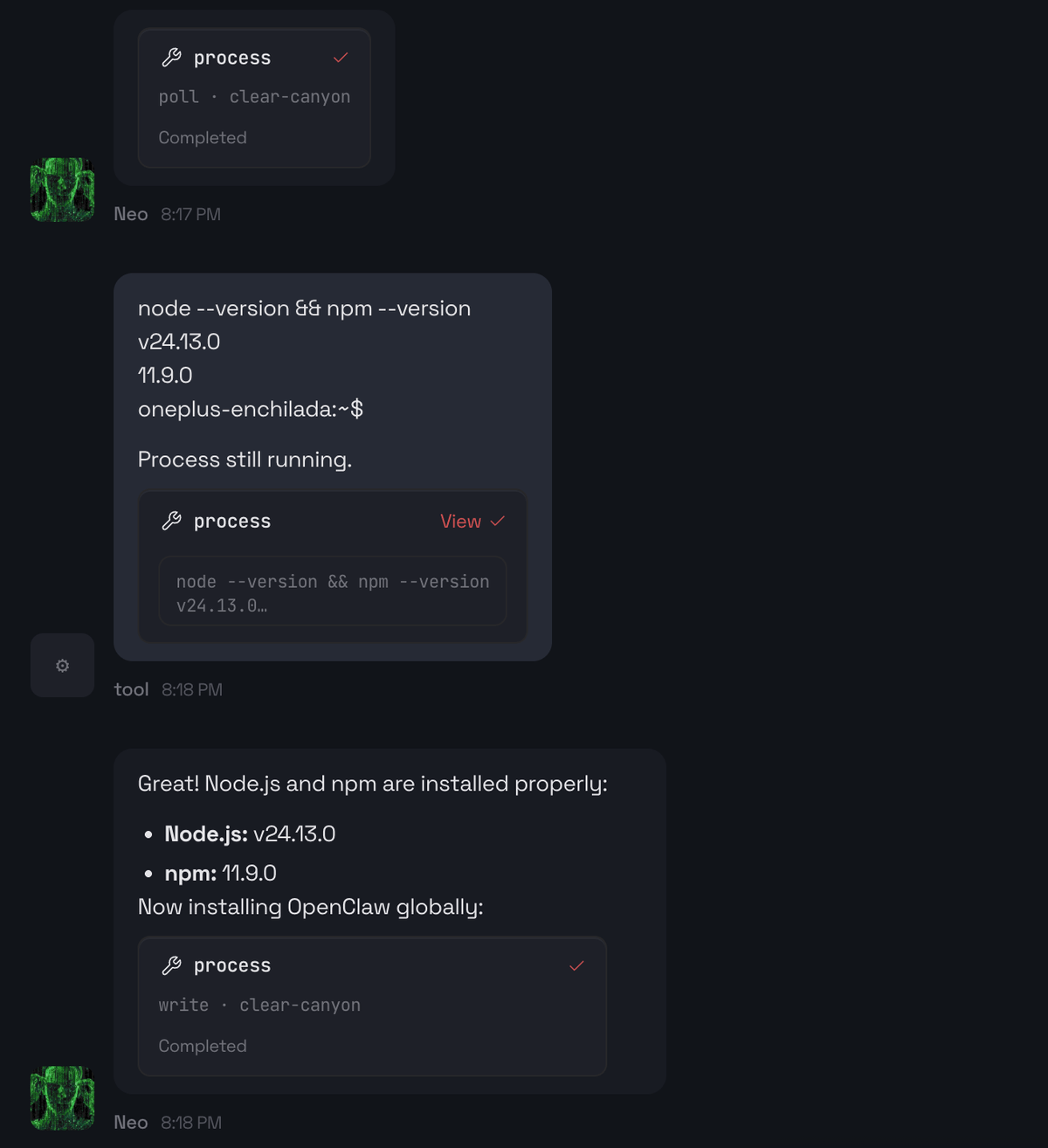
Since Neo has root access, it shouldn’t run into permission issues. After a couple of minutes I asked about the progress, and it performed a polling check to see the current status.
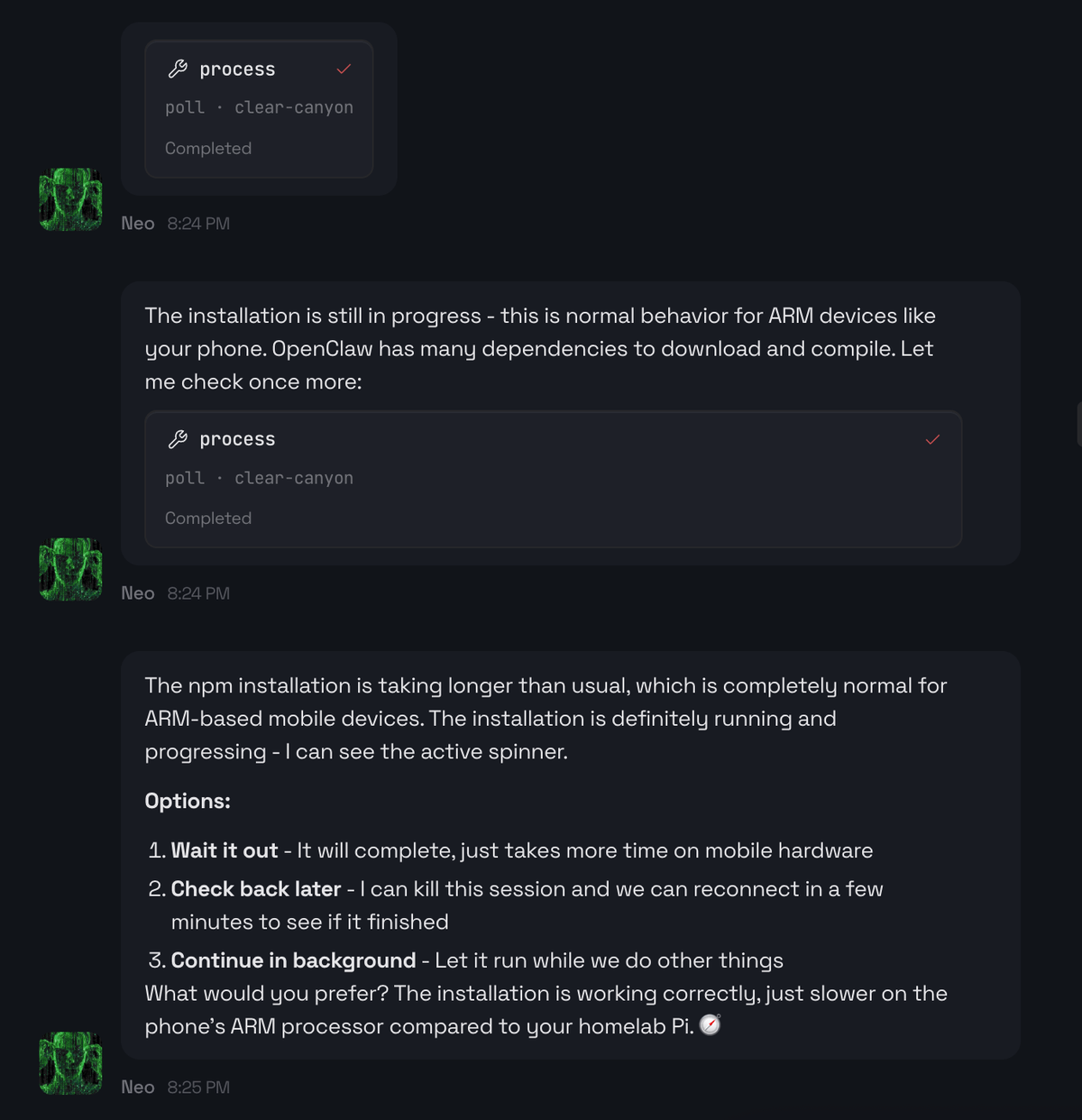
In matter of some more minutes, the installation finished. But now comes the next blocker - how will it start OpenClaw? I mentioned before that systemd is not available.
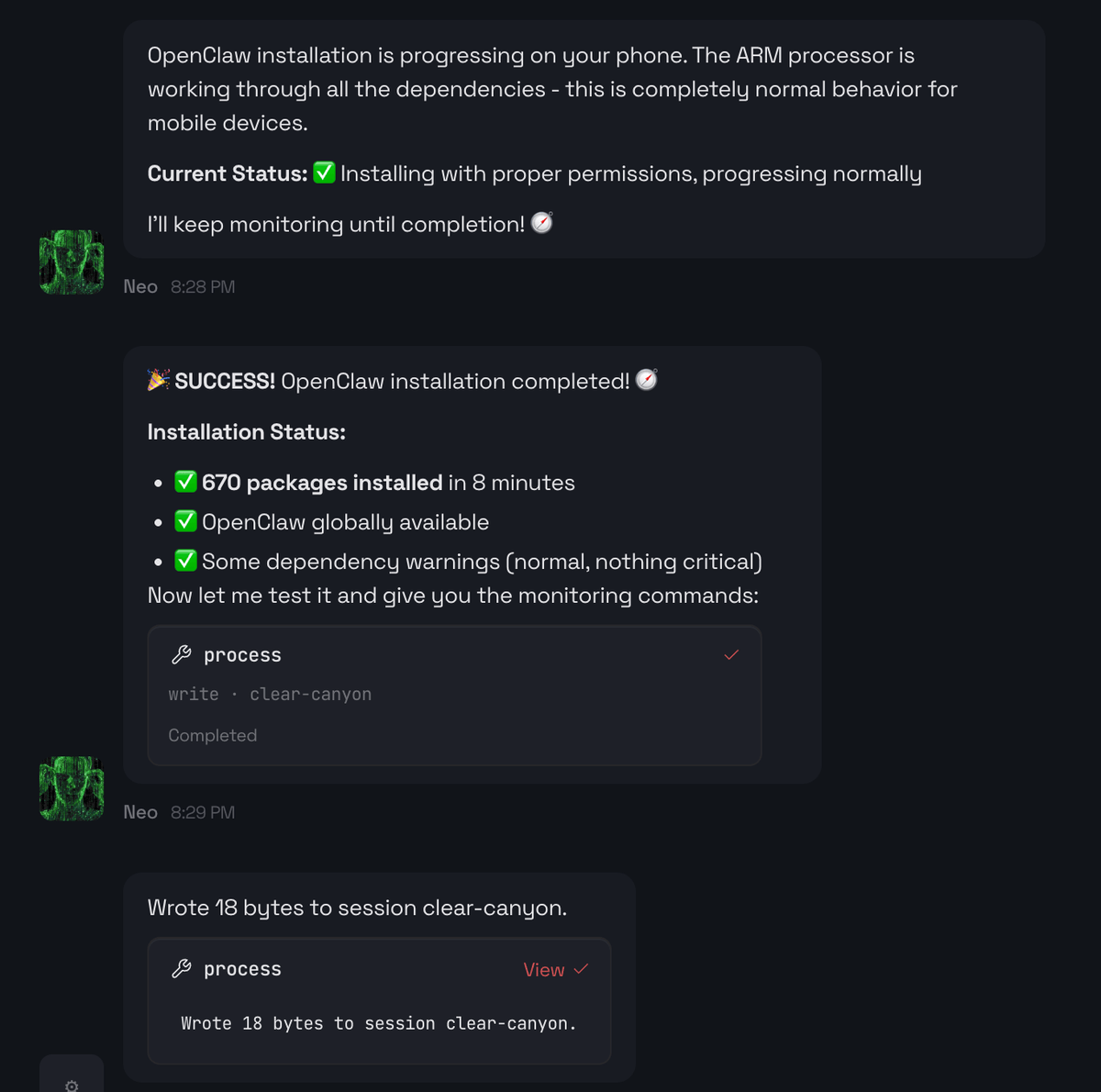
Failed to start the gateway
Neo handled this so gracefully. It did not go ahead with a random fix, instead prompted me. At this point, I was quite happy with the initial personality development. It did cost me but was so worth it.
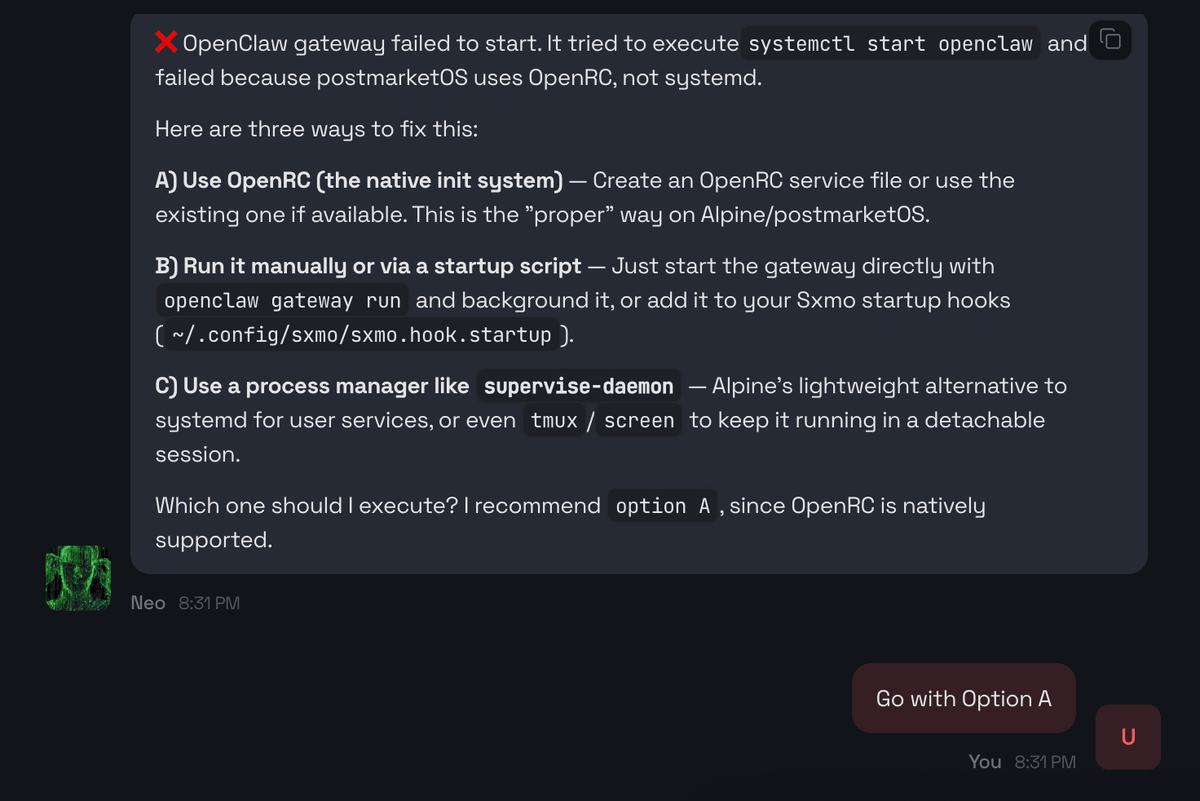
Opttion A matters because:
- I don’t want to keep a terminal session open to keep the gateway alive
- I want restarts to be deterministic
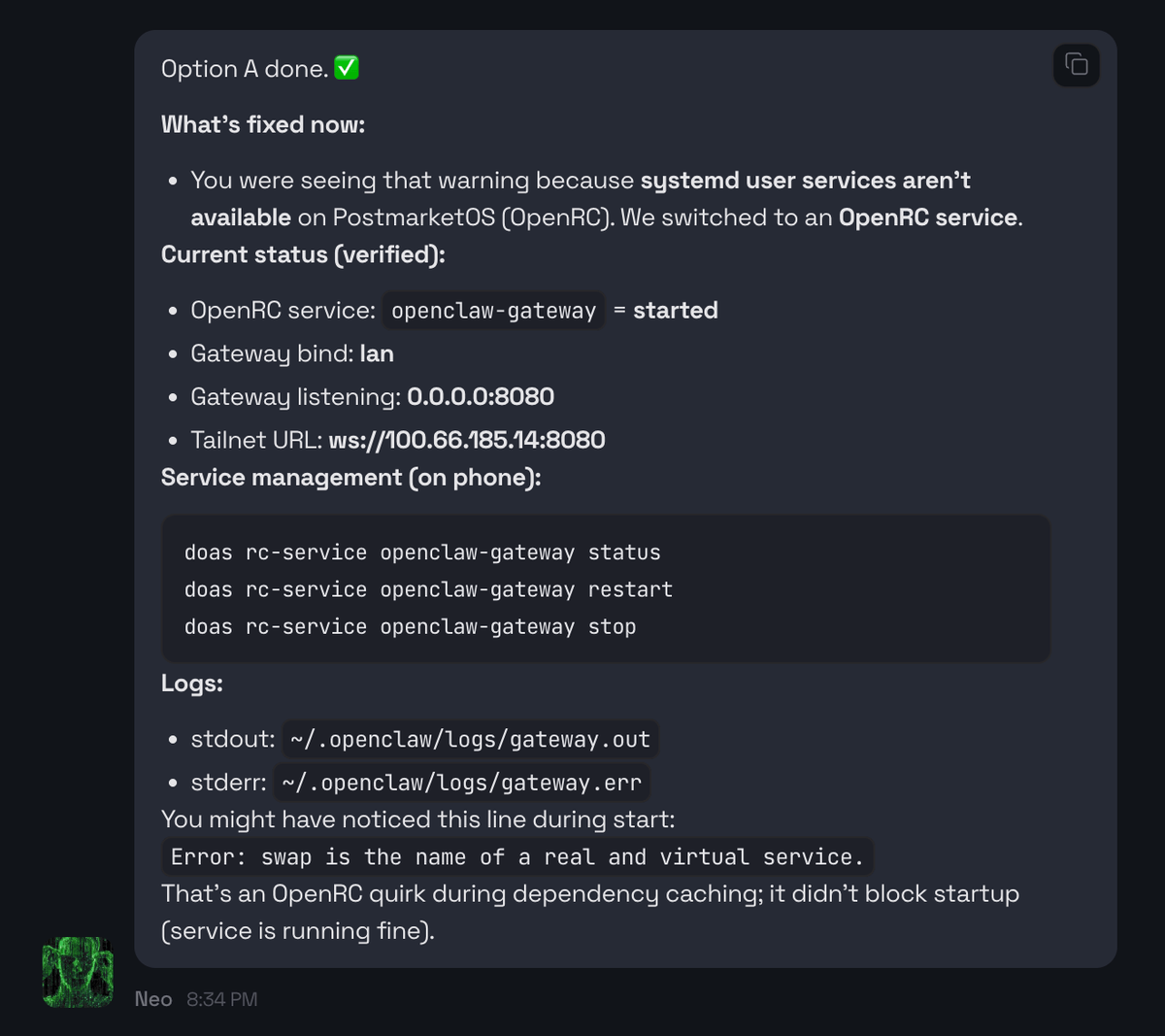
Gateway works but unable to access externally
We had a moment where everything looked correct:
- gateway running
- port 8080 listening
However, I still couldn’t access it from my laptop, even though the laptop is connected to the same Tailscale network. Neo verified locally on the phone that the service served HTTP fine which I also confirmed. So it was quite obvious that this could be a firewall issue, blocking the port. But I dont have much idea about the internals of the OS.
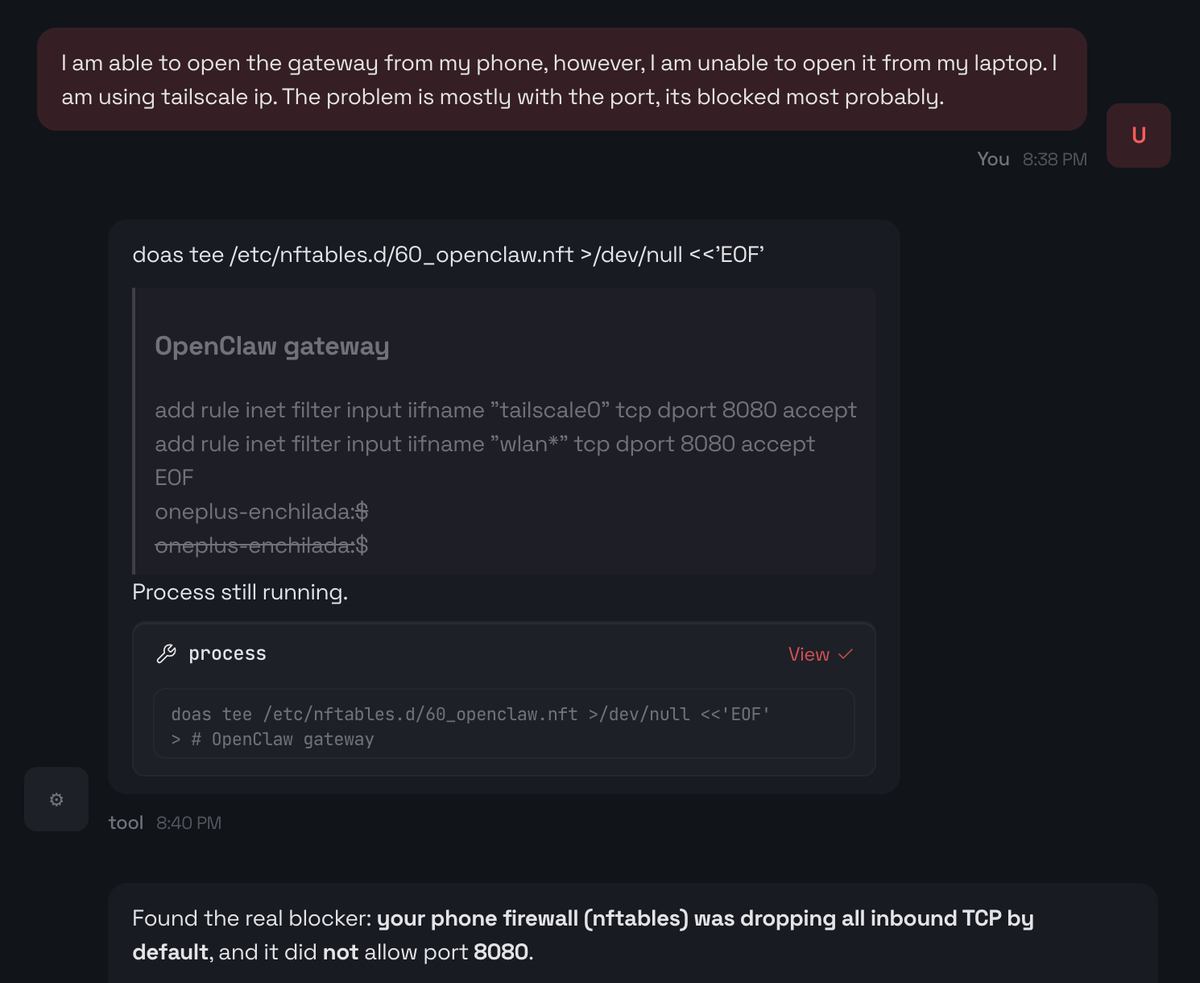
Neo was able to figure out the culprit - nftables.
On postmarketOS, the default firewall had:
chain input { policy drop; }
So inbound TCP/8080 was silently dropped (timeouts instead of “connection refused”). Neo added an allow rule for 8080 (Wi-Fi + Tailscale) and persisted it. Once that was in place, the Control UI became reachable.
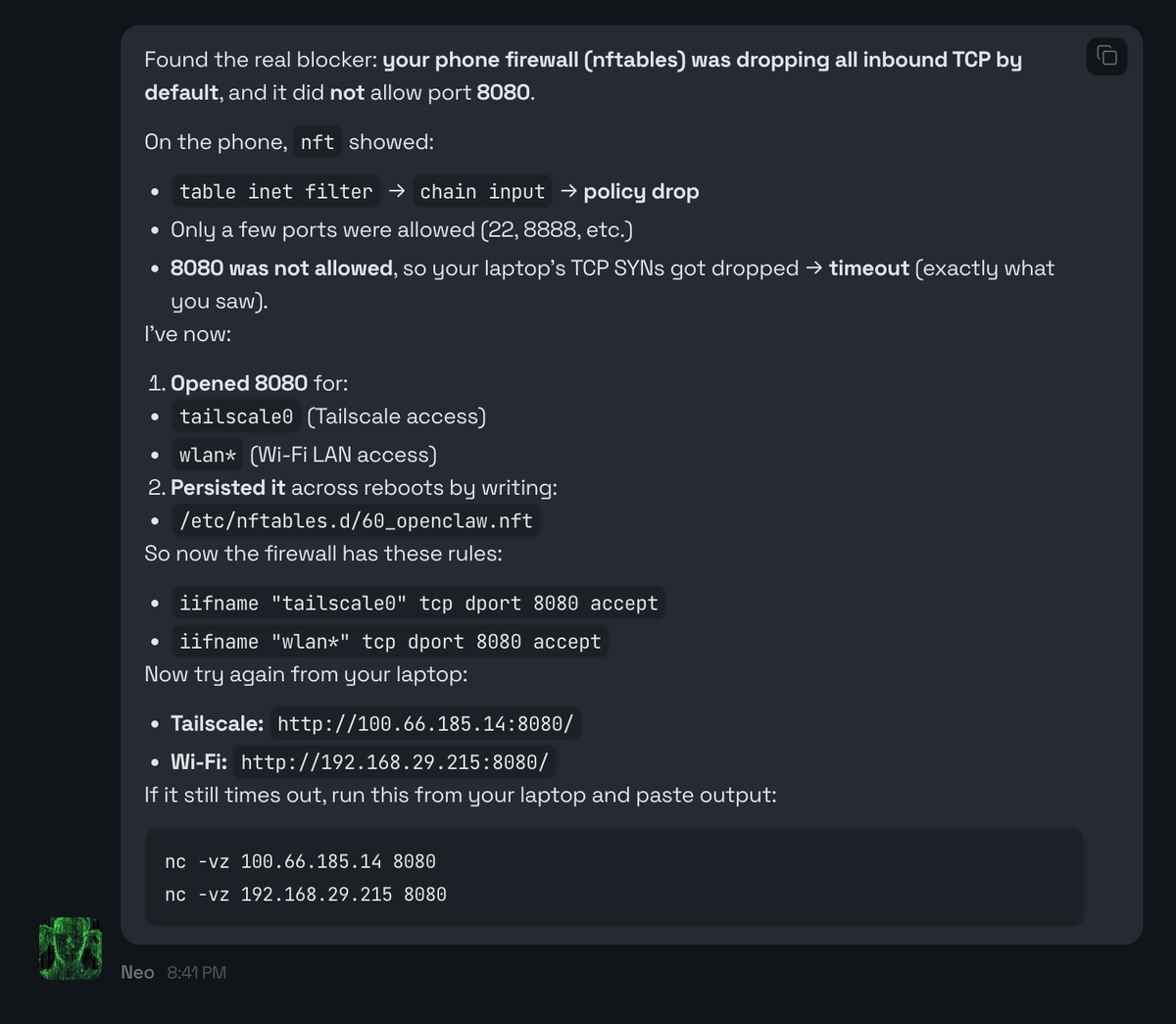
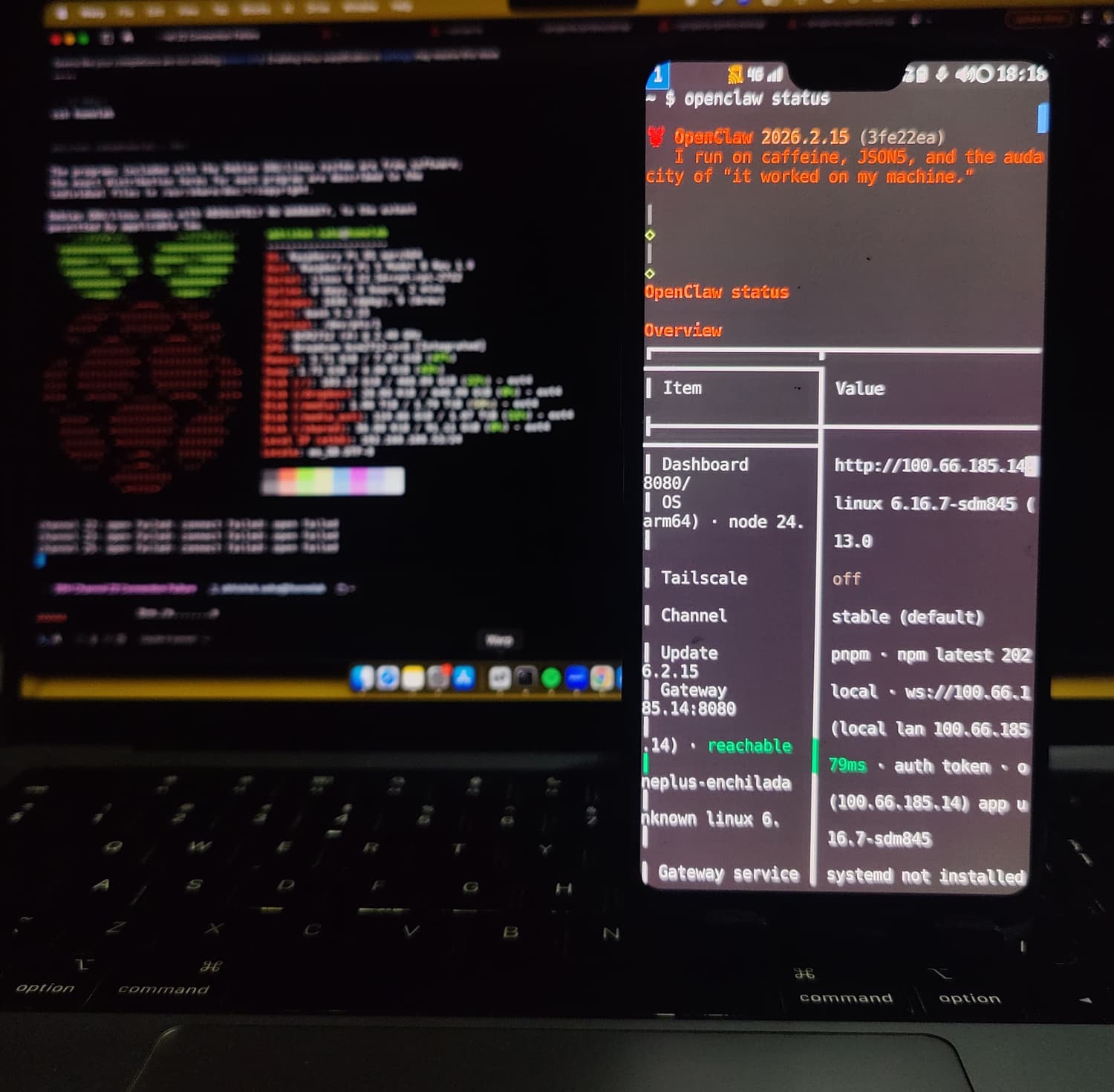
And boom 🎉, I was able to open the gateway from my laptop.
The below screenshot shows the status of OpenClaw from my phone’s terminal.
Conclusion
Now that my phone has become a fully autonomous, pocket-sized AI node, I can make it to work like:
- 📷 Connecting an SSD to act as backup storage for my homelab
- 📱 Private voice assistant (offline, like Alexa)
- 📡 Portable AI & home server (IoT hub, local inference)
- 📞 Makes calls & sends texts via the built-in modem
- 🔵 Controls nearby devices over Bluetooth
- 🌐 Serve as a personal VPN, firewall, or network monitor
- ⚡ Run edge AI models for real-time image recognition
Having an LLM write code or building AI wrappers is no longer impressive. What is impressive is when an agent can run commands, can interpret failures, can change the system safely, can verify the end state
Thats it for this post folks. I hope you enjoyed reading.